
Blog
News, product updates, and announcements from WebQR.
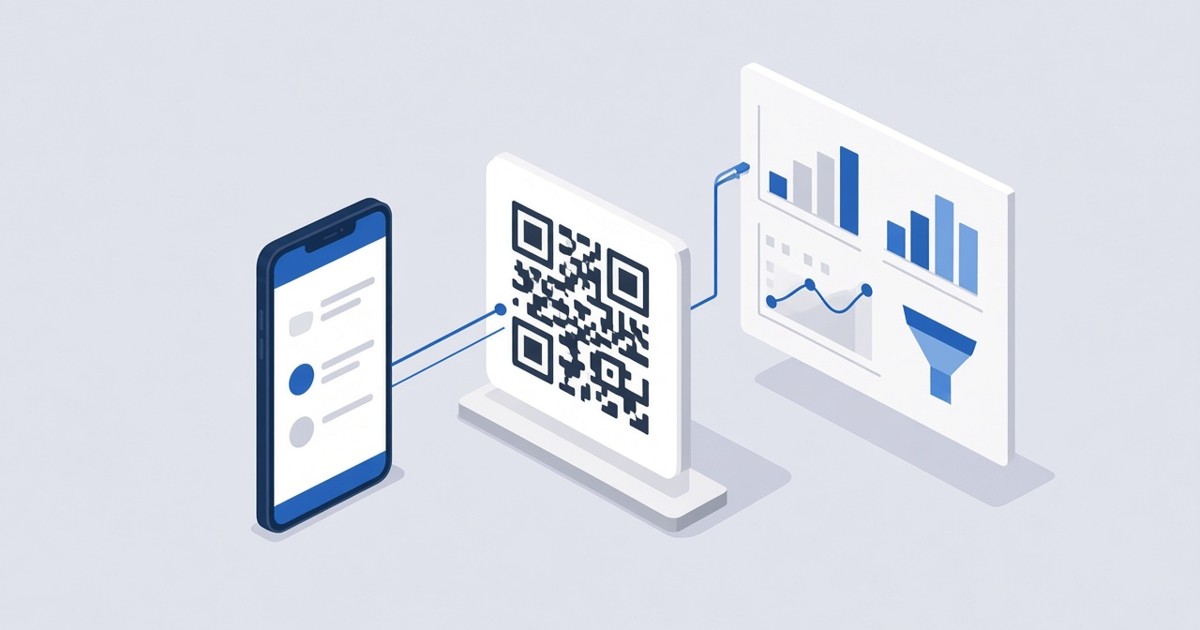
How to Connect Google Analytics 4, Tag Manager and Meta Pixel to a QR Code
Add your GA4 Measurement ID, GTM container ID or Meta Pixel ID to a dynamic QR code in WebQR and see visitor activity on its landing page in your own analytics tools.

How to Create a PDF QR Code for Menus, Brochures and Manuals
Share a PDF with a dynamic QR code in WebQR: upload up to 10 files, add a title and description, let visitors view or download them and replace the file without reprinting.

How to Create a vCard QR Code for Your Business Card
Create a dynamic vCard QR code in WebQR: add your name, job title, company, phone, email and website, let people save your contact in one tap and update it any time.
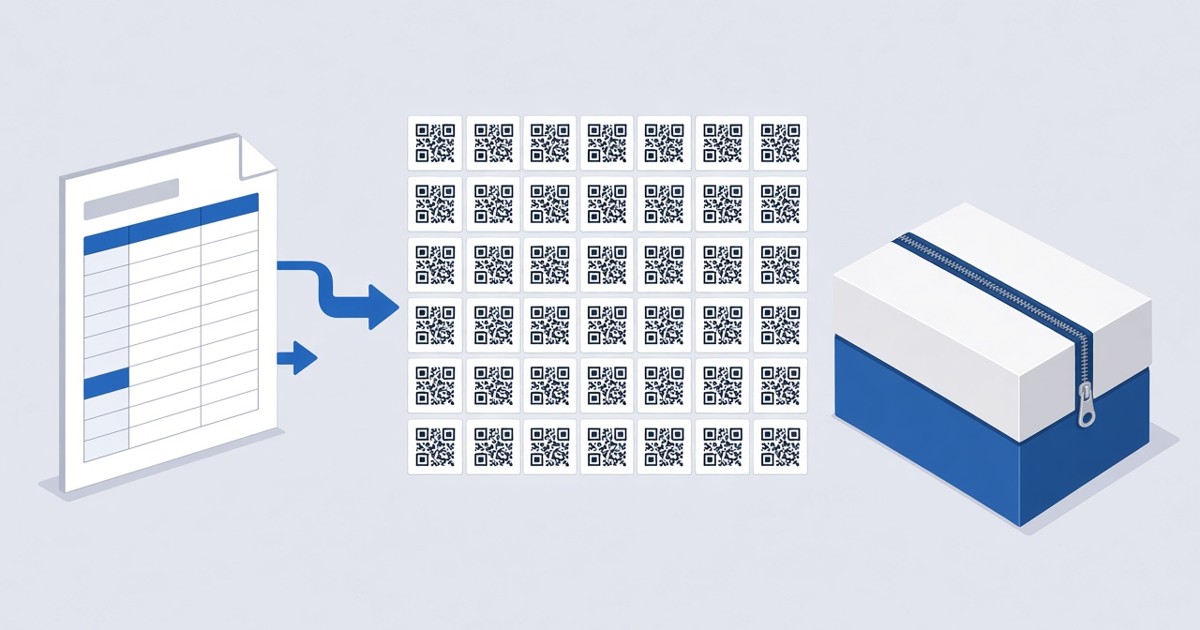
How to Create QR Codes in Bulk from a CSV File
Create dozens of QR codes at once in WebQR: prepare a CSV file, upload it, pick colors and formats, download the batch as a ZIP and manage the codes in your dashboard.

How to Create a Rating QR Code for Feedback
Collect quick ratings with a dynamic QR code in WebQR: ask one question, set a scale up to 10, allow optional comments, add a thank-you message and track scans.

How to Create a Social Media QR Code
Put all your social profiles behind one dynamic QR code in WebQR: add Facebook, Instagram, LinkedIn and more by username, order them and change them anytime.
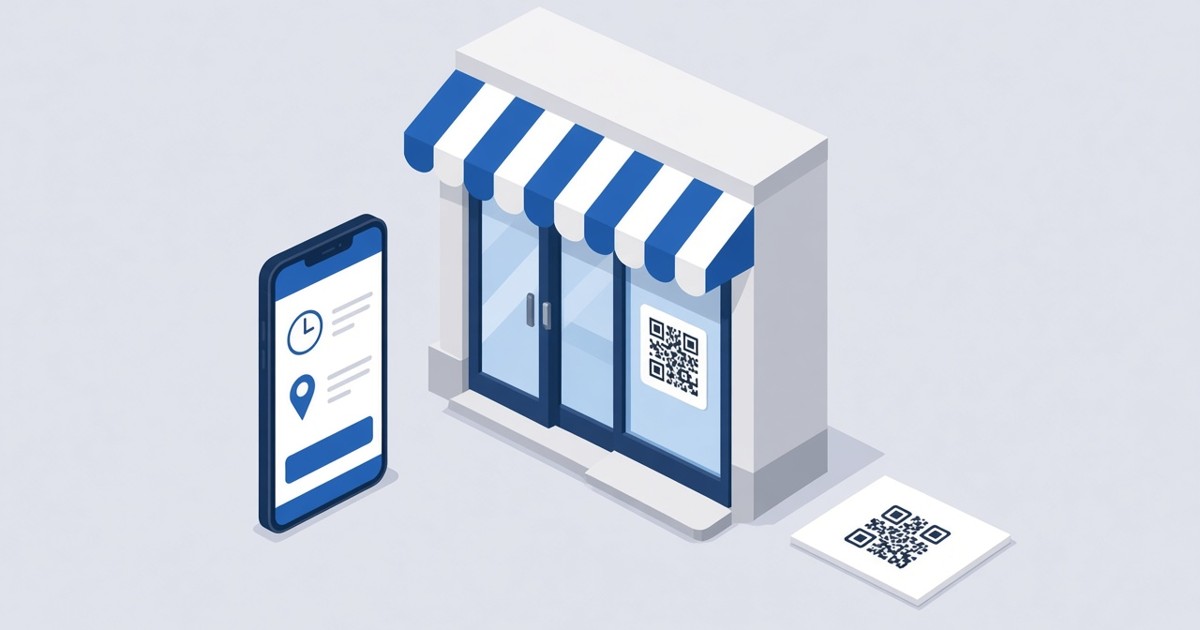
How to Create a Business QR Code
Make a dynamic Business QR code in WebQR with your name, opening hours, address with a map, a website button and social links – and update it anytime without reprinting.

How to Password-Protect a QR Code
Lock the page behind a dynamic QR code with a password in WebQR: turn on Page password, see what visitors get, change or remove the password later, and tips for sharing it safely.
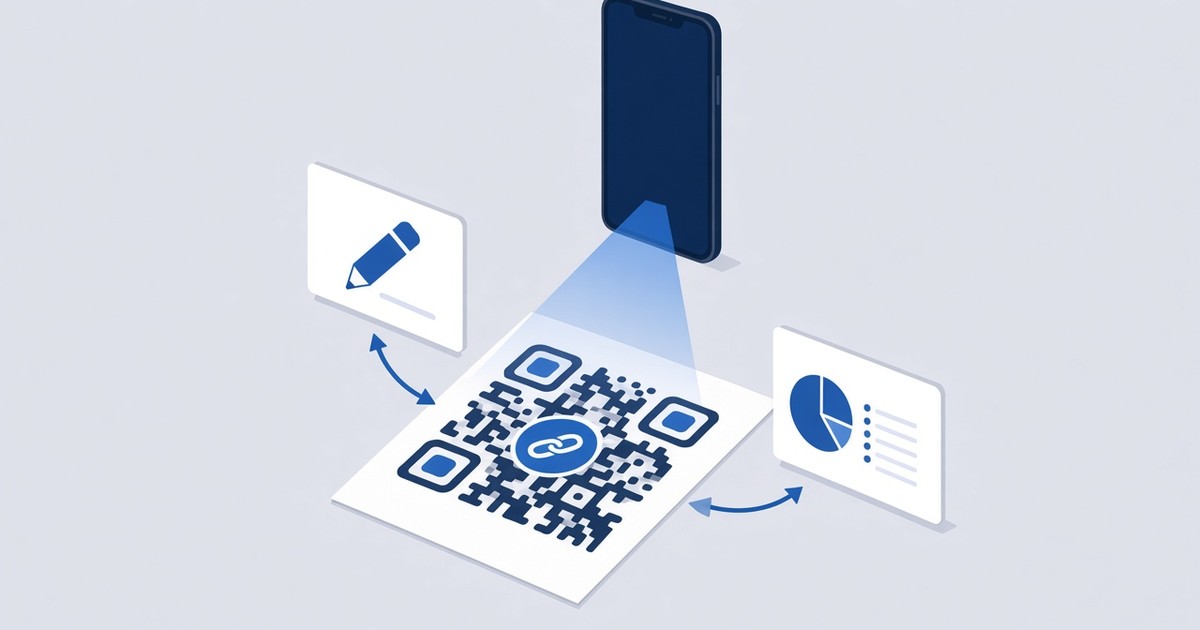
How to Edit a QR Code After Printing
Change the link or content of a printed QR code in WebQR without reprinting it. Step-by-step guide to editing dynamic QR codes, settings, content type and statistics.