
Blog
News, product updates, and announcements from WebQR.
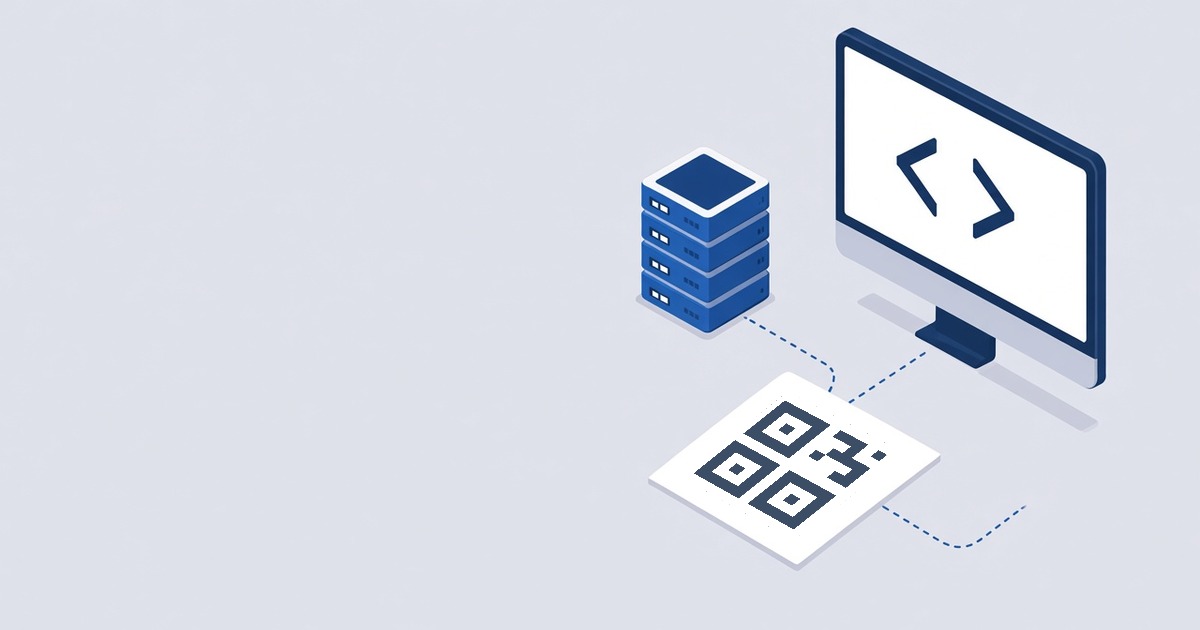
Static QR Code API: Generate QR Codes from Your Backend
How to create a WebQR API key, read the docs and generate an SVG QR code with one POST request — with a real curl example and common errors.
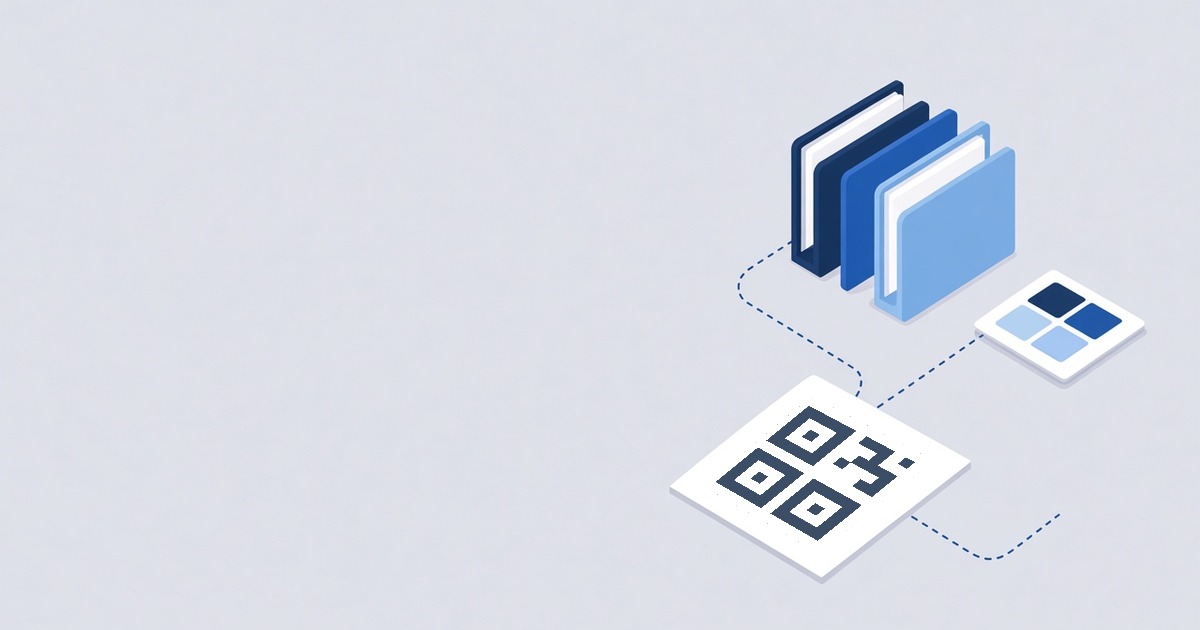
Organize QR Codes: Folders and Saved Designs
How to sort QR codes into folders in WebQR, filter the list by folder, and save a design to apply it to new codes in one click.
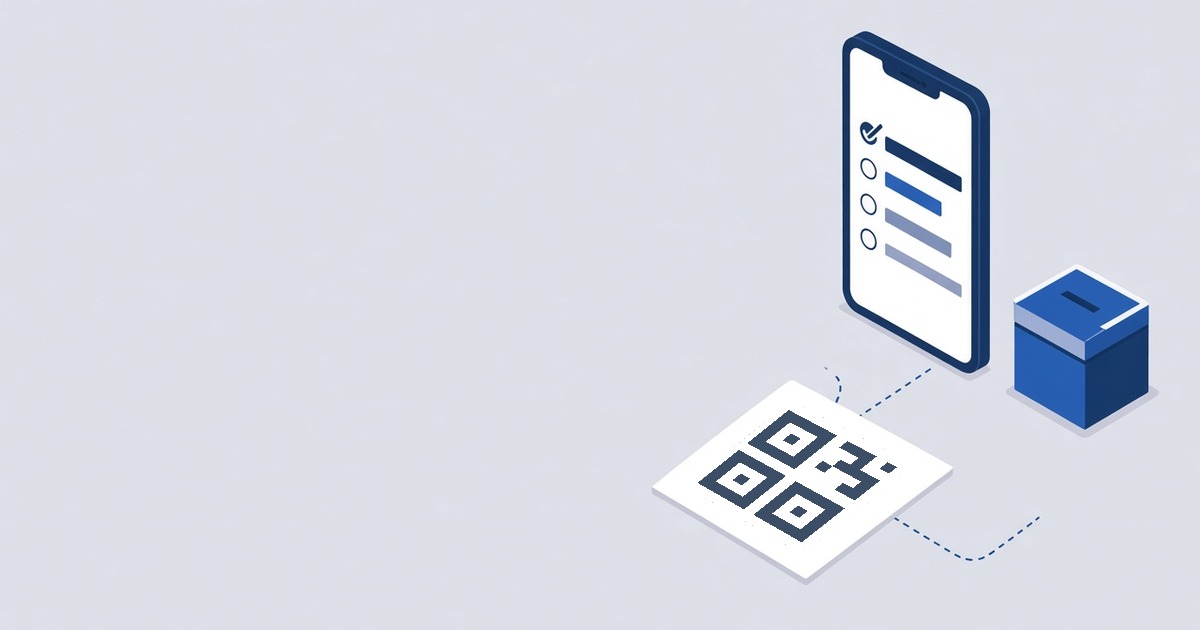
Poll QR Code: Collect Votes with a Single Scan
How to create a Poll QR code in WebQR: add a question and answer options, set button texts and a thank-you message, and see votes and shares on the results page.
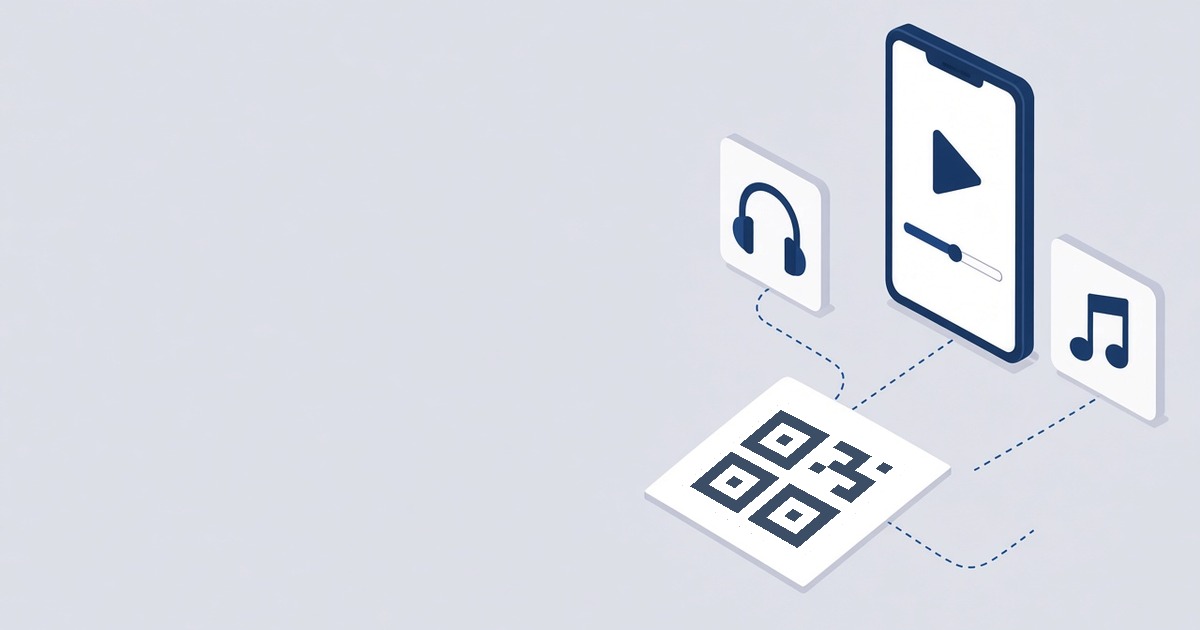
Video and MP3 QR Codes: How to Share a Clip or a Track
How to create a video or MP3 QR code in WebQR: add a YouTube or Vimeo link or upload a file, add audio tracks with covers, and see what the page looks like after scanning.

QR Code Download Formats: PNG, JPG, SVG, PDF, EPS or Print?
What each QR code download format in WebQR gives you, which sizes PNG and JPG offer, and which file to use for the web and which to send to a print shop.
How to Create an App Download QR Code with Google Play and App Store Buttons
Create a dynamic app QR code in WebQR: add a cover, app description, Google Play and App Store links, then update them later without reprinting.
How to Create a Coupon QR Code for a Sale and Update the Offer Without Reprinting
Create a dynamic coupon QR code in WebQR: add a discount, promo code, expiry date, terms and a button to your shop, then change the offer later while the printed QR code stays the same.
QR Code Workspaces: Organize Team QR Codes in WebQR
Create workspaces in WebQR to keep a team's QR codes apart, invite members as Admin, Editor or Viewer, create codes inside a workspace and move existing codes between workspaces.

How to Create an Event QR Code with Registration and Add to Calendar
Create a dynamic event QR code in WebQR: add the date, time, venue and organizer, link a registration form and map, and let guests add the event to Google, Apple, Outlook or Yahoo Calendar.