
Blog
News, product updates, and announcements from WebQR.

Accessible QR Codes: How to Make Them Readable for Everyone
Practical tips for accessible QR codes: strong contrast, the right size for the distance, a clear call to action, a text alternative next to the code, a mobile-friendly page and the right page language in WebQR.

Links Page QR Code: One Code for Your Menu, Booking, Delivery and More
How to create a Links QR code in WebQR: one printed code opens a mobile page with several buttons. Add and reorder links, design the code, change links after printing and see link clicks.
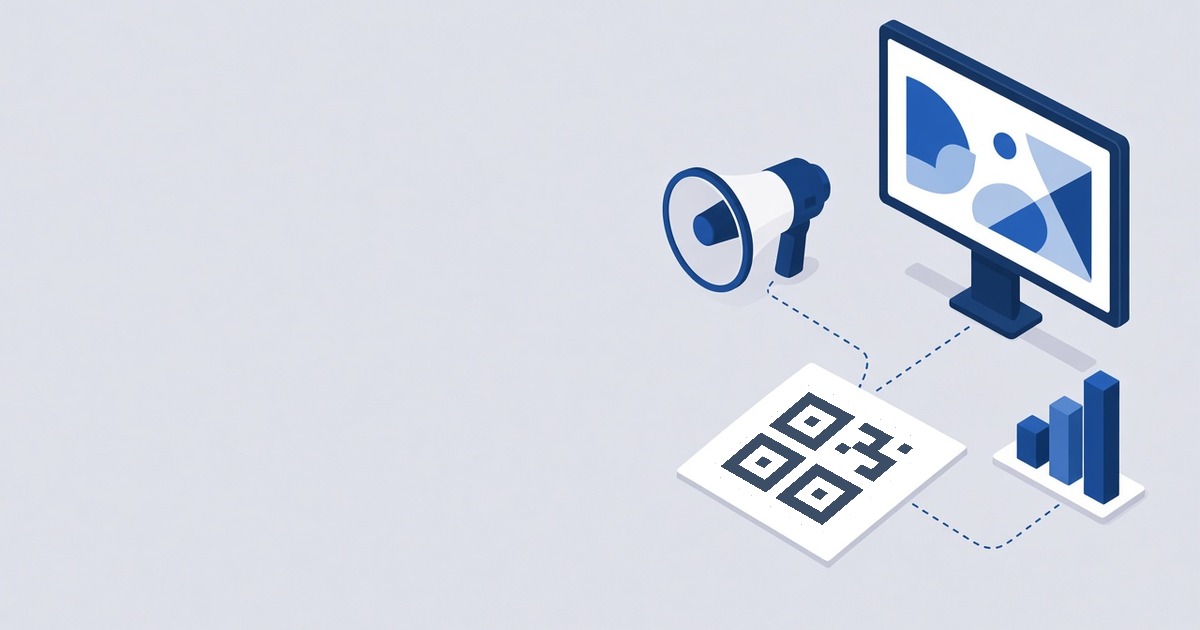
QR Codes in Marketing Campaigns: Plan, Launch and Measure
How to run a QR campaign in WebQR: dynamic codes, one folder per campaign, one code per placement, a shared design, changing the offer without reprinting, pausing between waves and comparing scans.
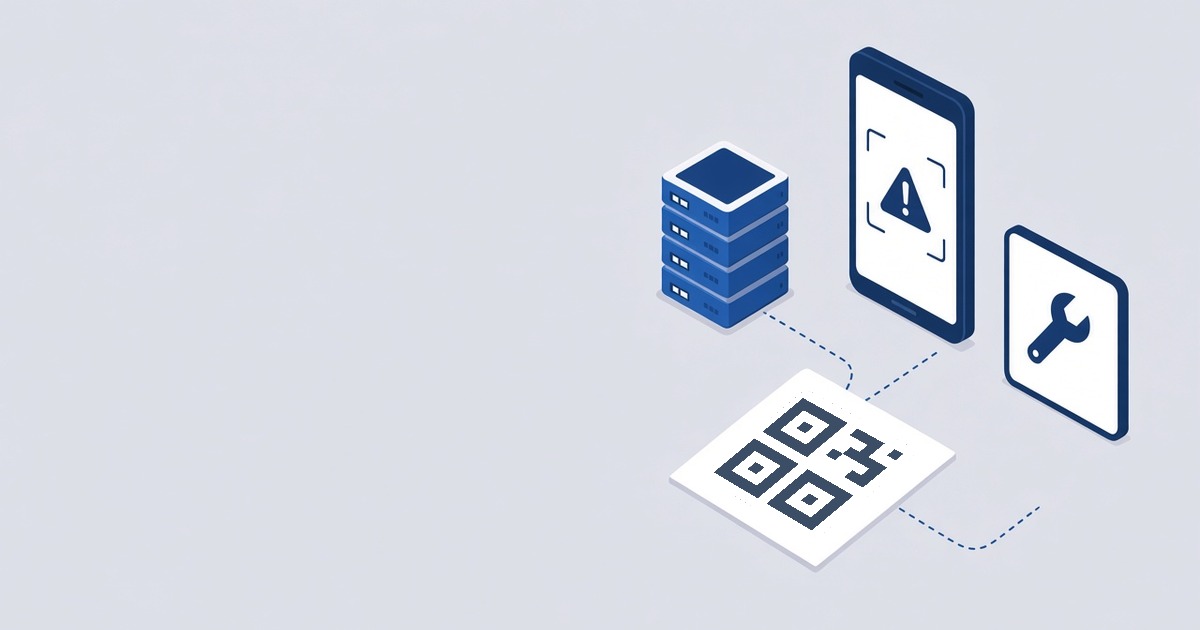
QR Code Not Scanning? Causes and How to Fix Them
Why a QR code won’t scan and how to fix it: low contrast, inverted colors, small size, no quiet zone, glare, damaged print, dense static codes, broken links, a changed URI, a paused code or a password page.

QR Codes for Real Estate and Tourism in Georgia: Listings, Rentals and Guesthouses
How to use QR codes on property signs, in rentals and guesthouses: listing pages, PDF brochures, video tours, agent vCards, guest Wi-Fi, guesthouse pages with a map, events and reviews.

QR Codes on Business Cards and Flyers: Which Type to Choose and How to Design It
How to put a QR code on a business card or flyer: a vCard code for contacts, the right type for each flyer goal, design for small print, updating after printing and testing.
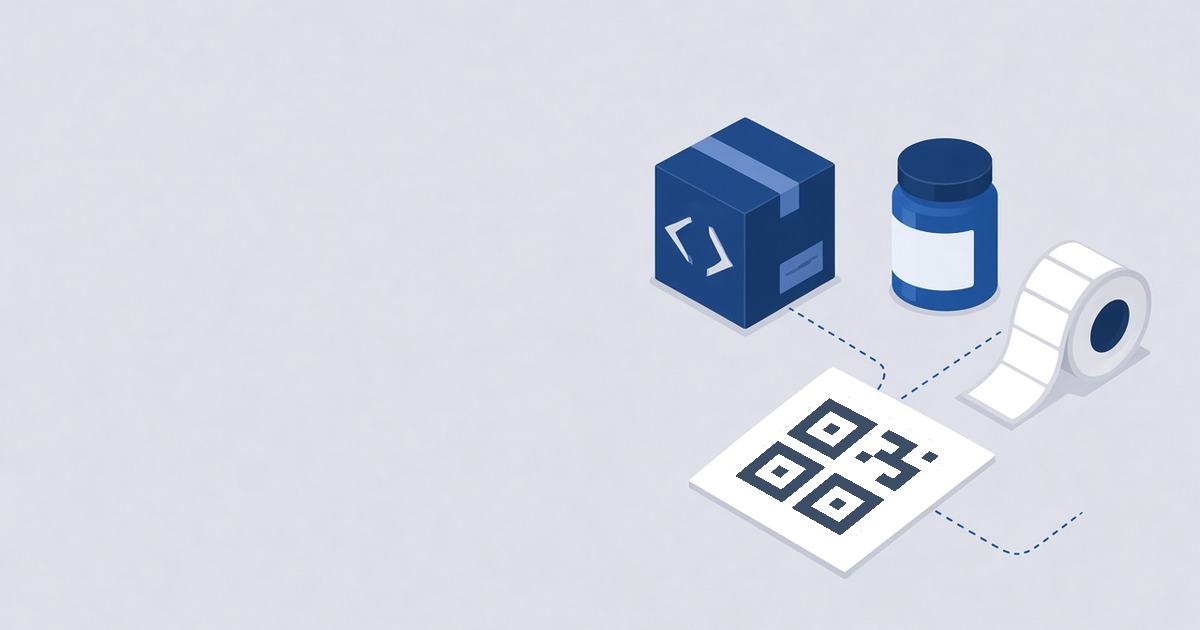
QR Codes on Packaging and Labels: What to Link, Design and Placement
How to add a QR code to product packaging and labels: what to link, why to use a dynamic code, design with a frame, size and placement, one code per product and testing.
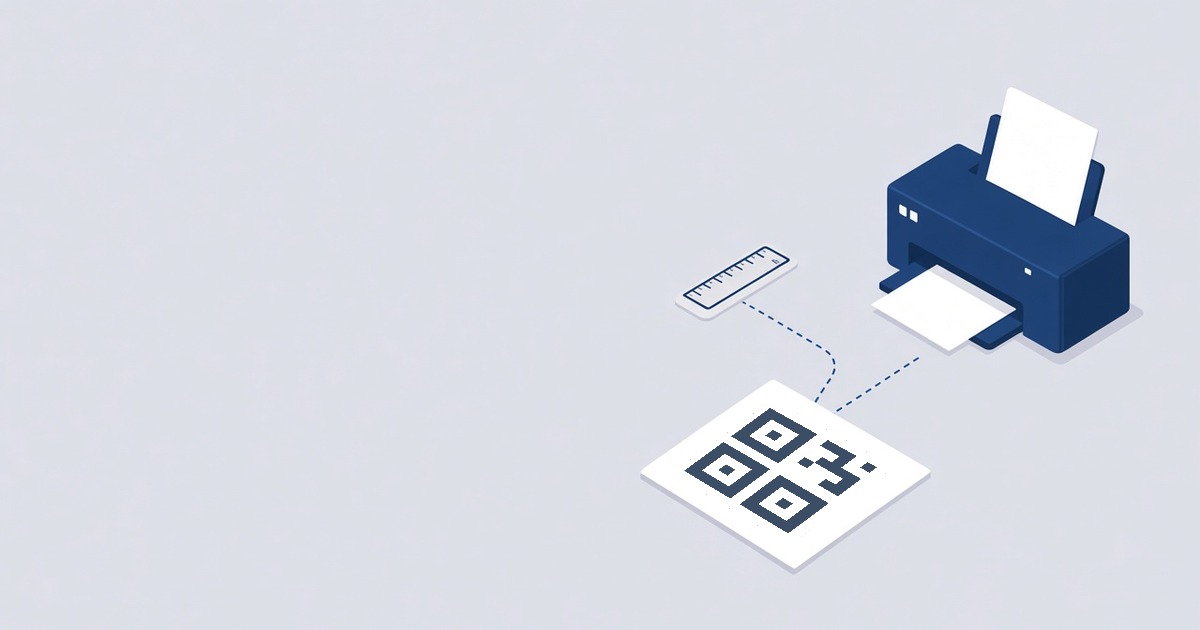
How to Print QR Codes Correctly: Size, Contrast and File Format
What to check before printing a QR code: the right file format, minimum size, contrast, the quiet zone around the code and a test scan.
Custom Domain for QR Codes: Use Your Own Short Link
How to connect your own domain or subdomain in WebQR: add it on My domains, create the CNAME and TXT records, check DNS and choose the domain for a QR code.