
Blog
News, product updates, and announcements from WebQR.

How to Create a Coupon QR Code for a Sale and Update the Offer Without Reprinting
Create a dynamic coupon QR code in WebQR: add a discount, promo code, expiry date, terms and a button to your shop, then change the offer later while the printed QR code stays the same.

How to Create an Event QR Code with Registration and Add to Calendar
Create a dynamic event QR code in WebQR: add the date, time, venue and organizer, link a registration form and map, and let guests add the event to Google, Apple, Outlook or Yahoo Calendar.
How to Create a PDF QR Code for Menus, Brochures and Manuals
Share a PDF with a dynamic QR code in WebQR: upload up to 10 files, add a title and description, let visitors view or download them and replace the file without reprinting.

How to Create a vCard QR Code for Your Business Card
Create a dynamic vCard QR code in WebQR: add your name, job title, company, phone, email and website, let people save your contact in one tap and update it any time.

How to Create a Rating QR Code for Feedback
Collect quick ratings with a dynamic QR code in WebQR: ask one question, set a scale up to 10, allow optional comments, add a thank-you message and track scans.
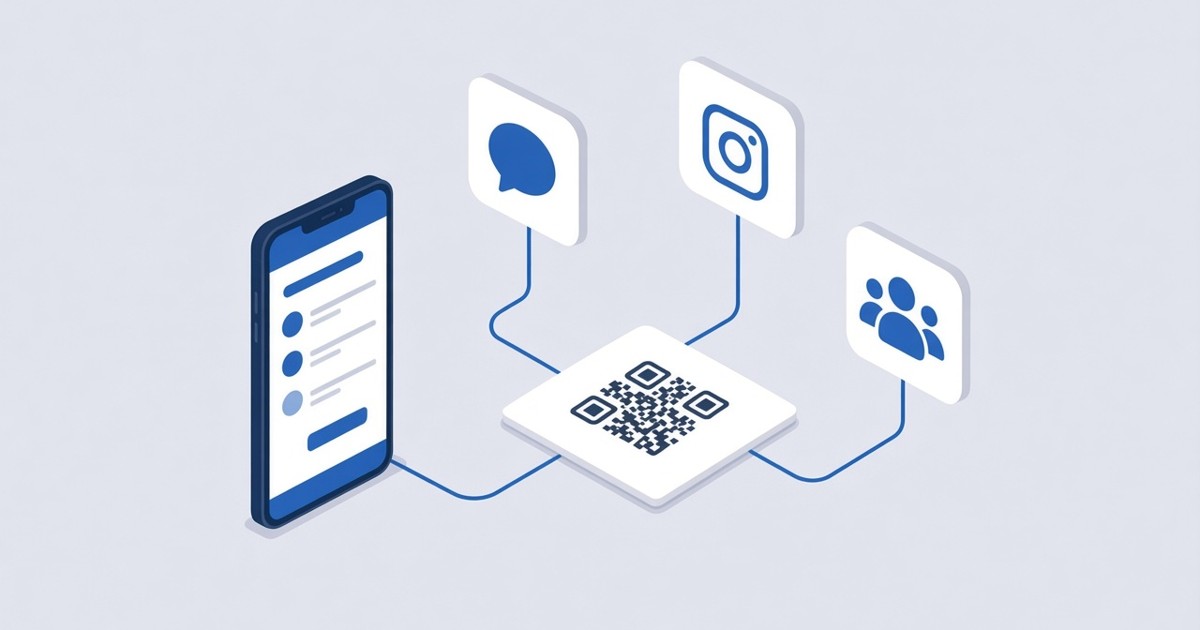
How to Create a Social Media QR Code
Put all your social profiles behind one dynamic QR code in WebQR: add Facebook, Instagram, LinkedIn and more by username, order them and change them anytime.
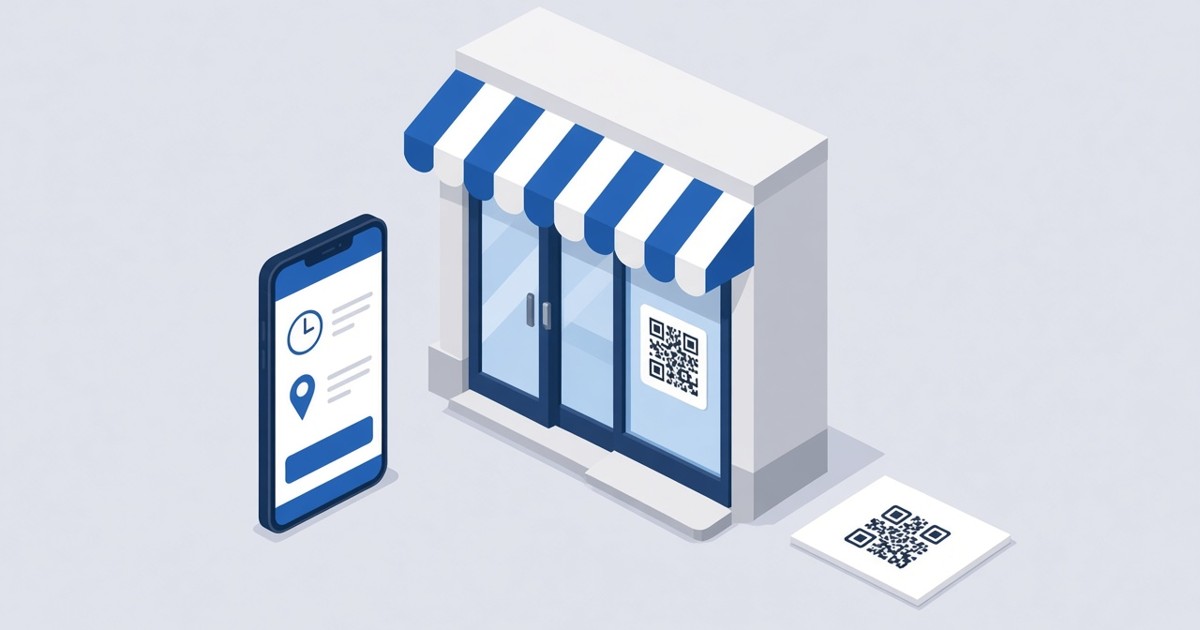
How to Create a Business QR Code
Make a dynamic Business QR code in WebQR with your name, opening hours, address with a map, a website button and social links – and update it anytime without reprinting.
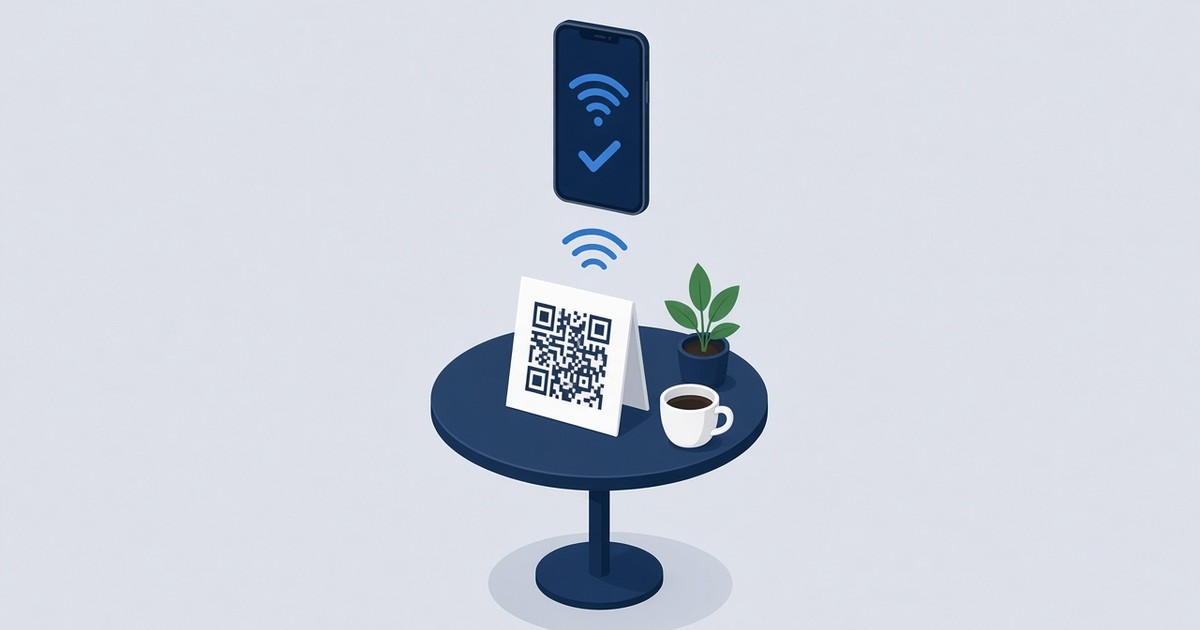
How to Make a Wi-Fi QR Code So Guests Connect Without a Password
Create a Wi-Fi QR code in WebQR so guests at your cafe, office or guest house connect without typing a password. Step-by-step guide plus design and print tips.